Hobart Deli Scale Parts Guide
Hobart Corporation, based in Troy, Ohio, builds the HTi, HTs, and HTx series digital deli scales used in supermarkets, delicatessens, and food service. These scales combine precision load-cell weighing with integrated label printing, touchscreen operation, and network connectivity. Parts use the 00-XXXXXX numbering convention. This guide covers what each part does, which models it fits, and how to diagnose common failures.
The Model Lineup
Hobart's deli scale family has three series sharing a common architecture but differing in features.
HTi Series (Flagship)
The HTi is the interactive flagship. All models feature a 10.1-inch user-facing touchscreen with swipe-control GUI and a 7-inch customer-facing color TFT display. Onboard storage handles thousands of PLUs (price lookups). HTiP variants add integrated thermal label printing.
Models and their ML reference numbers:
- ML-29350 — HTi-7LS (7 kg capacity, label printing)
- ML-29351 — HTi-LS (standard capacity, label printing)
- ML-29352 — HTiP-LS (printer-integrated)
- ML-29354 — HTi-7ELS (extended capacity)
- ML-29368 — HTi-10ELH (10 kg capacity)
- ML-29369 — HTi-7LH (7 kg, high platter)
- ML-29370 — HTi-LH (standard, high platter)
- ML-29371 — HTiP-LH (printer, high platter)
- ML-29372 — HTi-7ELH (extended, high platter)
- ML-29380-29384 — Second generation with revised internals
The "7" prefix means 7 kg capacity. "10" means 10 kg. "L" means label printing. "H" means high platter. "P" means printer-integrated. "E" means extended configuration. "S" at the end means second generation.
HTs Series
The HTs is the standard line — same weighing and printing capability, different display configuration. The Hobart HTs-7ELS user manual documents the operating procedures. HTs models share most internal components with HTi equivalents.
HTx Series
The HTx is the export variant. Parts compatibility is the same as HTi/HTs for most components.
Parts by Category
Load Cells
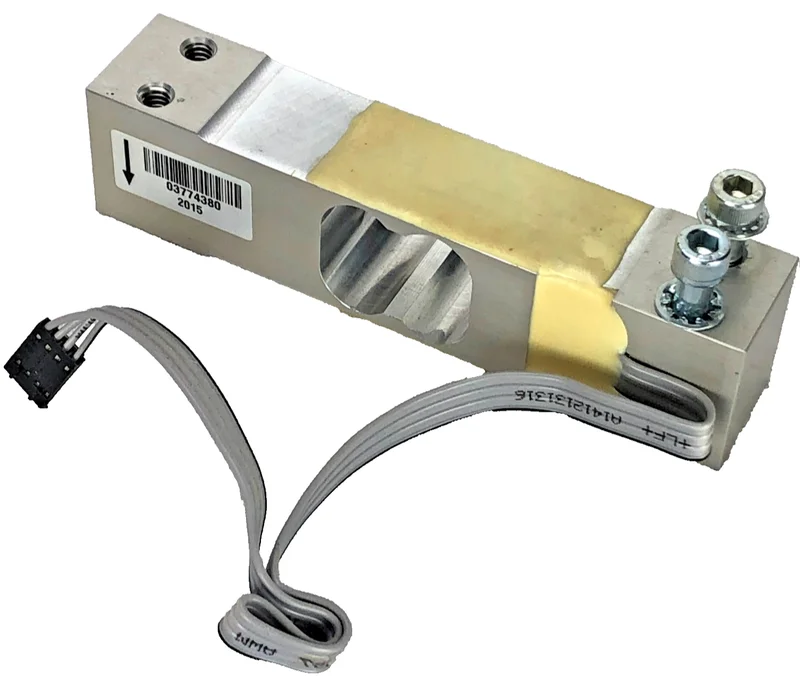
The 00-443075 load cell is the OEM 15 kg load cell used across HTi, HTs, and HTx series. This is the transducer that converts weight on the platter into an electrical signal for the scale's brain. When the scale reads consistently wrong, shows drifting weights, or displays an error code related to the load cell, this is the replacement.
Compatible with: HTi-7LS, HTi-LS, HTi-7ELS, HTs, HTx — all models using the 15 kg capacity range.
Label Printing System
Hobart's HTiP and HTi-L/HTi-EL models integrate thermal label printing. Four parts make up the printing system:
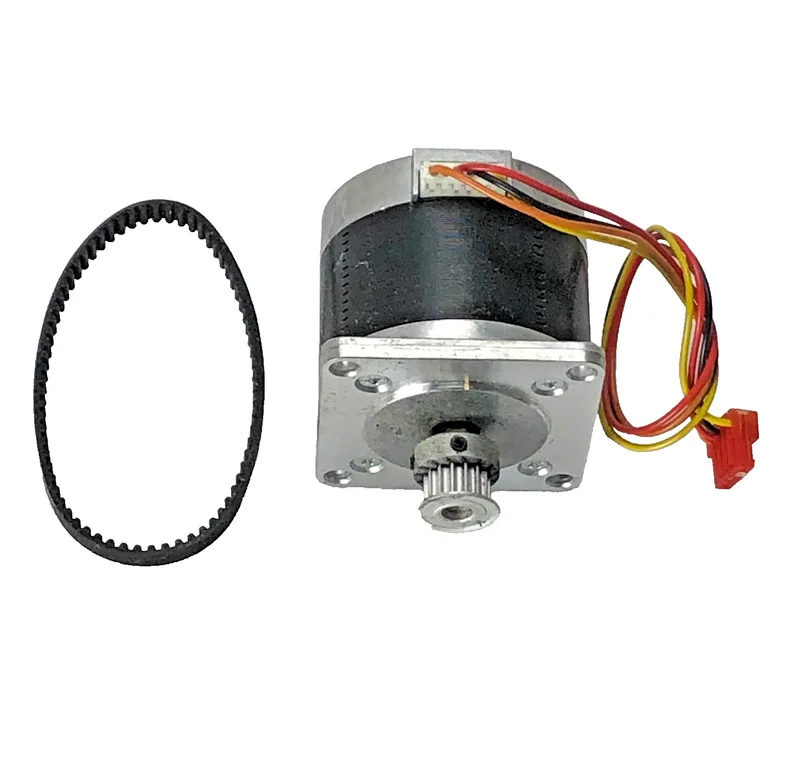
00-440142 label advance stepper motor — Drives the label feed mechanism. When labels don't advance or feed erratically, this motor is the likely culprit.
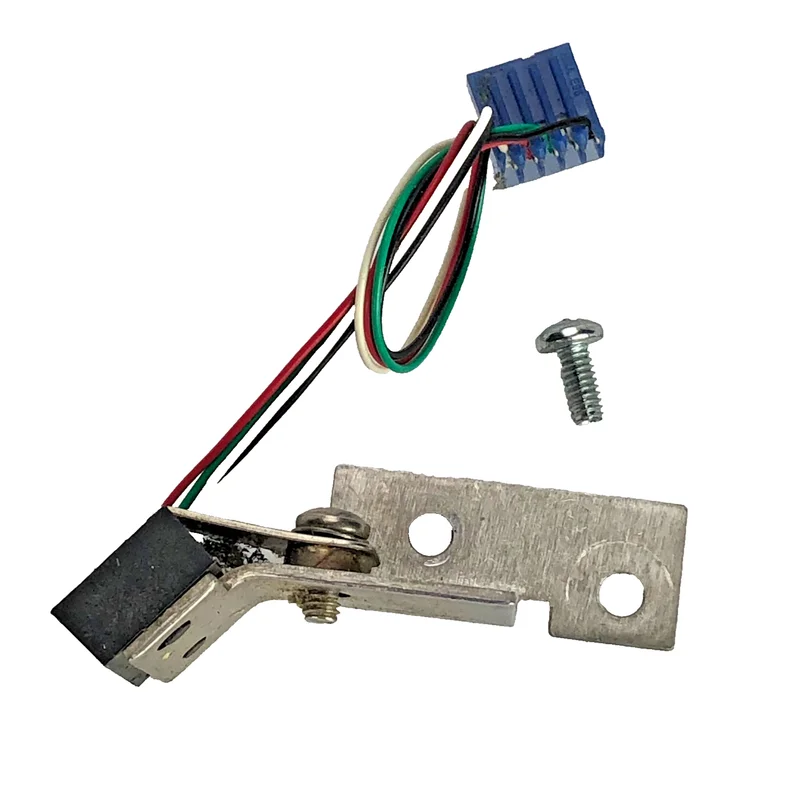
00-043610 label taken sensor — Detects when the previous label has been removed before printing the next one. If the scale prints multiple labels on top of each other or won't print the next label, this sensor may be dirty or failed.
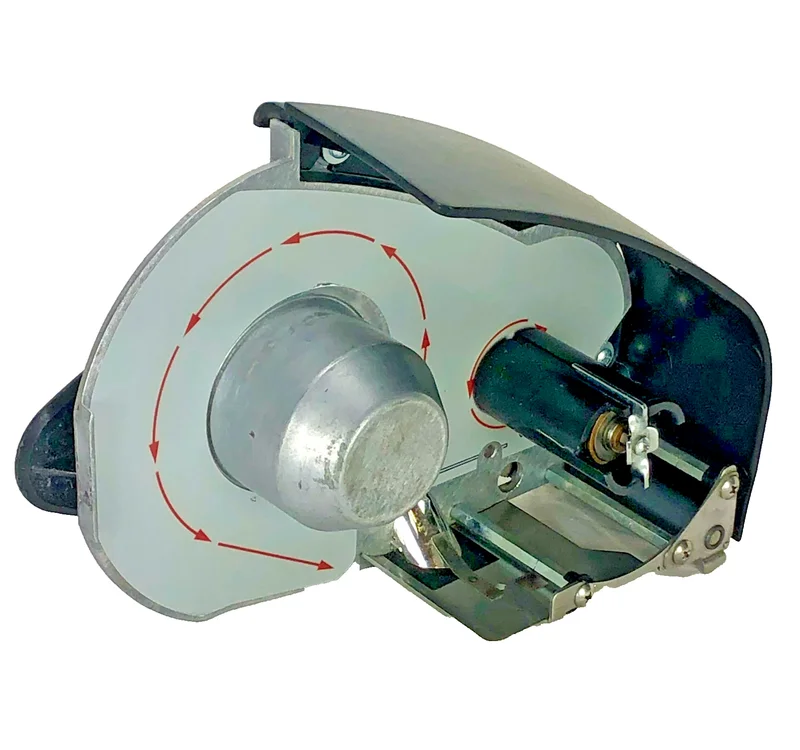
Hob00-444875 printer cassette assembly — The complete cassette that holds the label roll and feeds labels through the print head. Fits HTi-7LH, HTi-10LH, HTi-ELH.
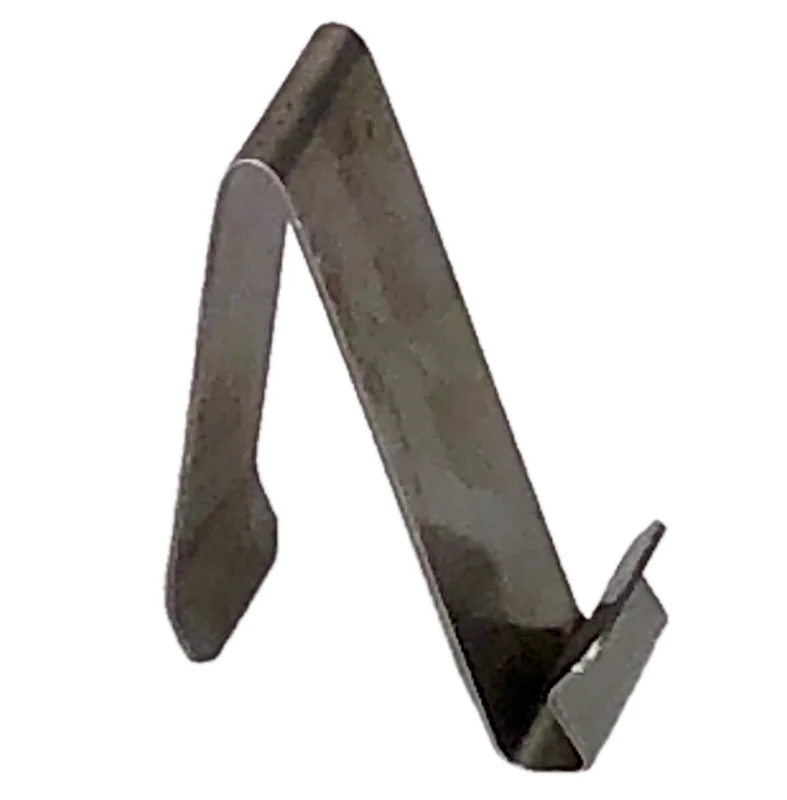
00-450463 linerless label guide spring — Springs that guide linerless labels through the printing path. Fits HTi-7LH and HTi-10LH.
Hob00-443735 cassette ejection spring — Spring that ejects the printer cassette when the release is pressed.
Control Boards
Three main boards run the scale:
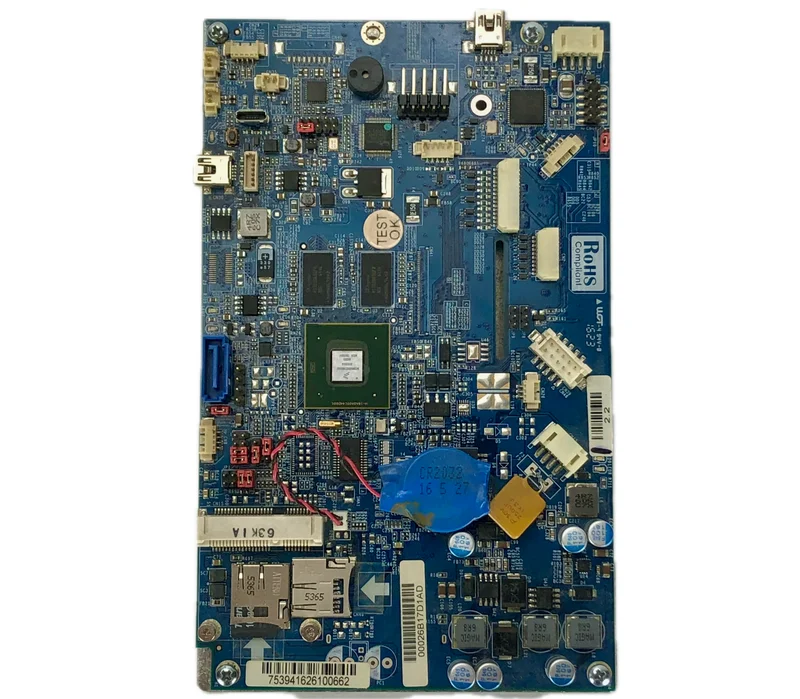
IMX6 control board — The main processor board. Dual-core i.MX6 ARM CPU running the scale's operating system, GUI, and PLU database. This is the scale's brain. If the scale won't boot, freezes on startup, or shows corrupted displays, the IMX6 board is the likely failure.
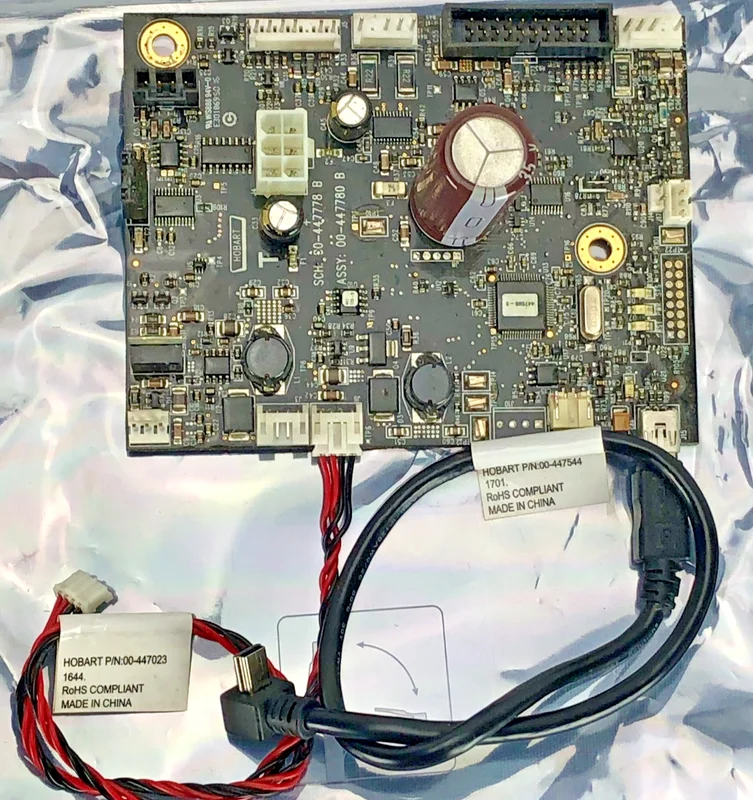
00-447780 peripheral control board — Manages USB, power, and peripheral connections. Handles communication between the IMX6 board and external devices.
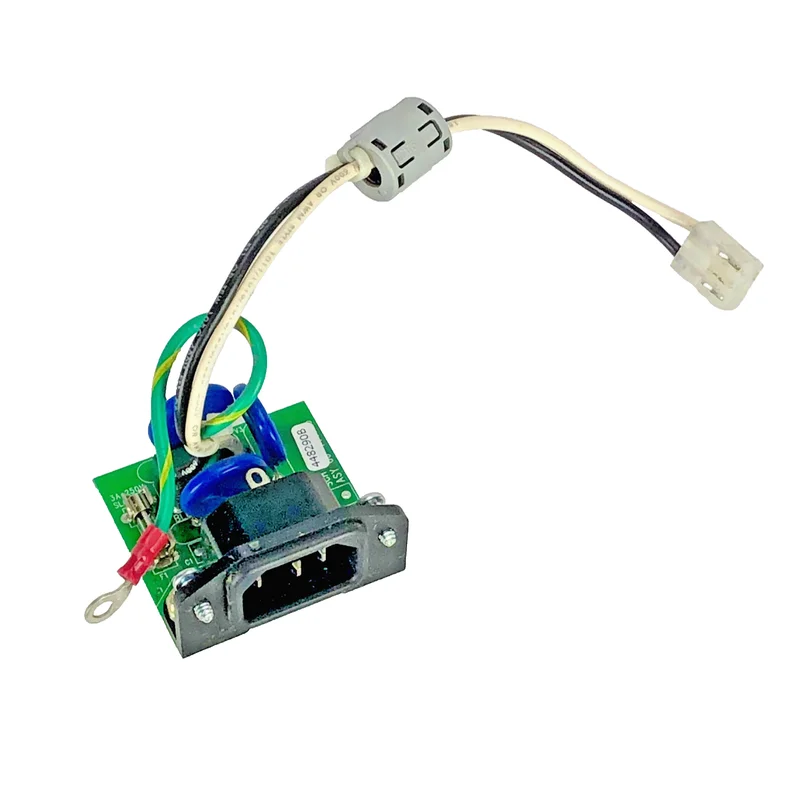
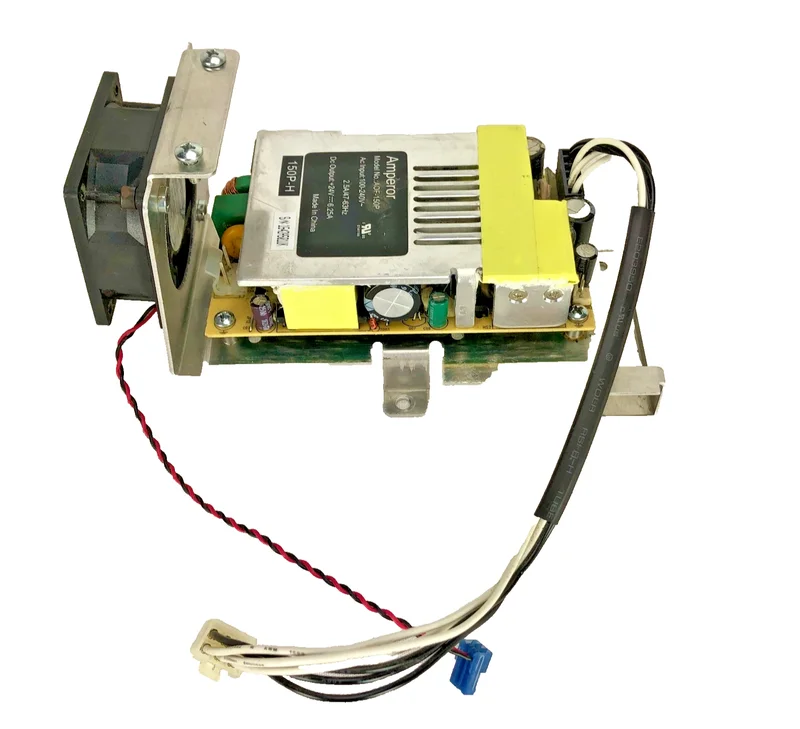
00-448290B power input board — Handles incoming AC power, converts to DC for the scale's internal components. If the scale is completely dead (no lights, no display, no fan), check the power input board first before suspecting the IMX6.
Displays
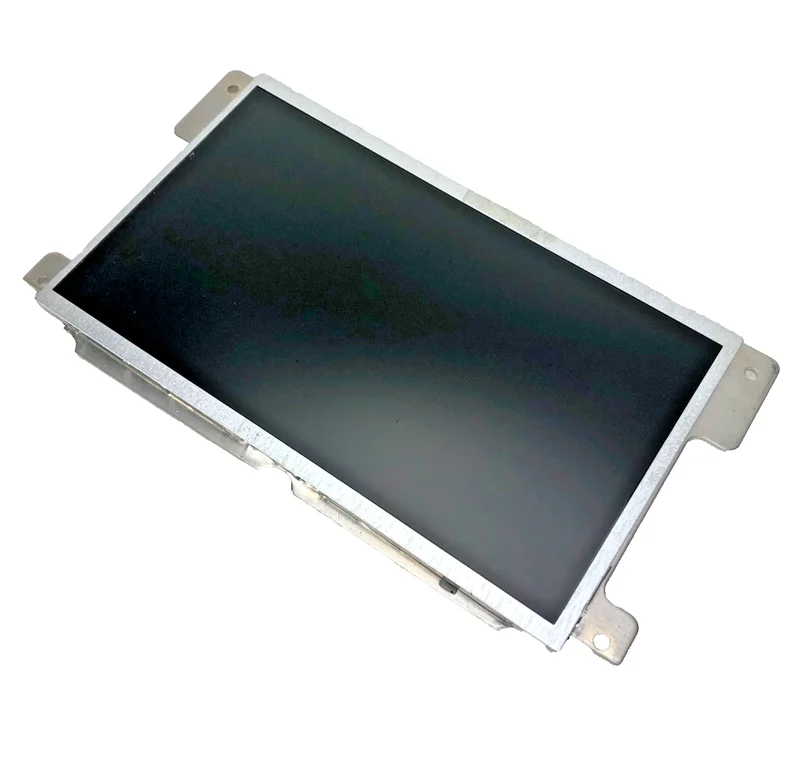
00-447157 10.1" WVGA LED display — The operator-facing touchscreen. 10.1-inch WVGA resolution with LED backlight. This is what the deli clerk interacts with.
00-447081 7" color TFT customer display — The customer-facing display showing price, weight, and promotional content. 7-inch color TFT.
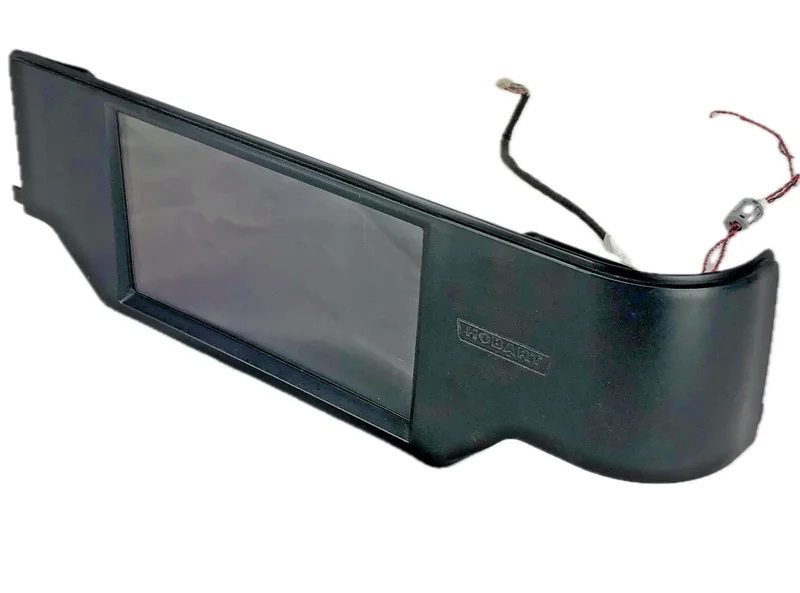
00-447018 rear touchscreen housing — The mounting housing for the rear display, includes screws.
Cables
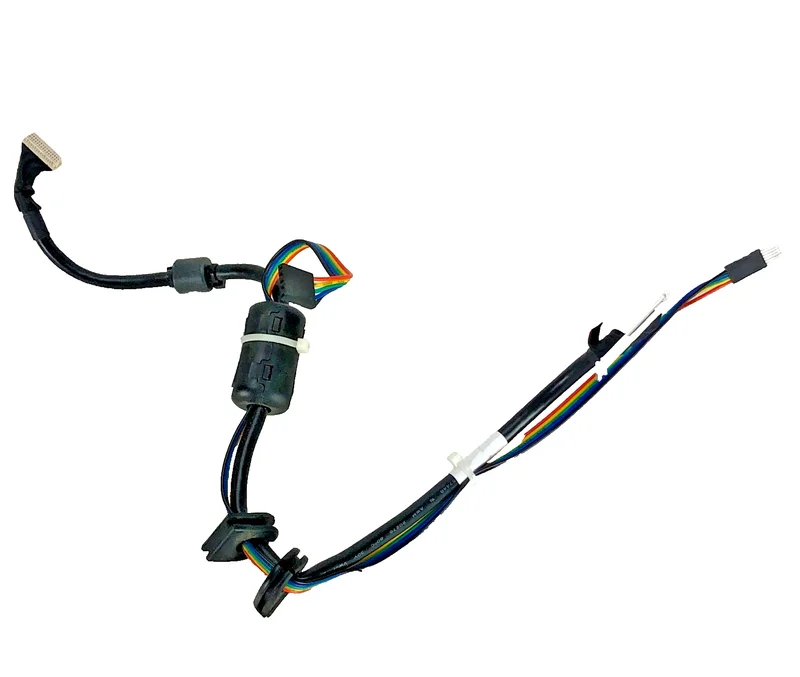
00-448047 operator display cable — Connects the operator display to the control board. L-ECPC type.
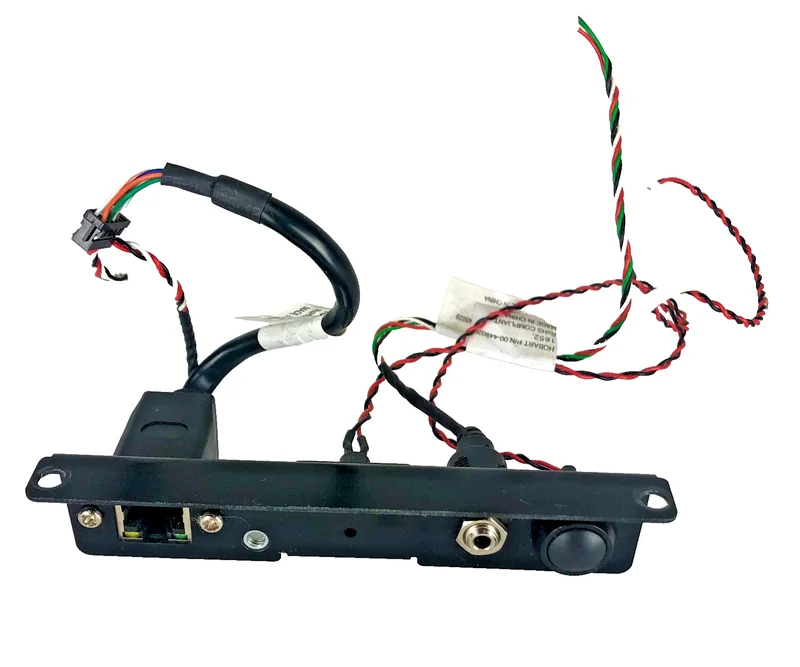
00-448030 ethernet/audio/power cables — Cable assembly with bracket. Handles ethernet, audio, and power connections.
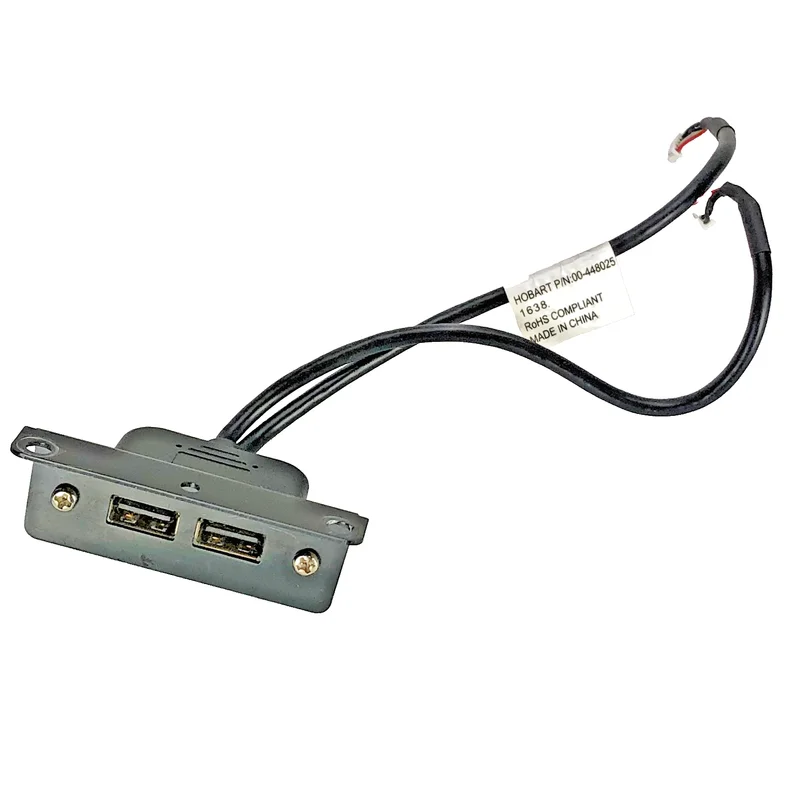
00-448056 dual USB panel mount bracket — USB bracket and cable assembly for external connectivity.
Power System
00-448290B power input board — (covered above under control boards)
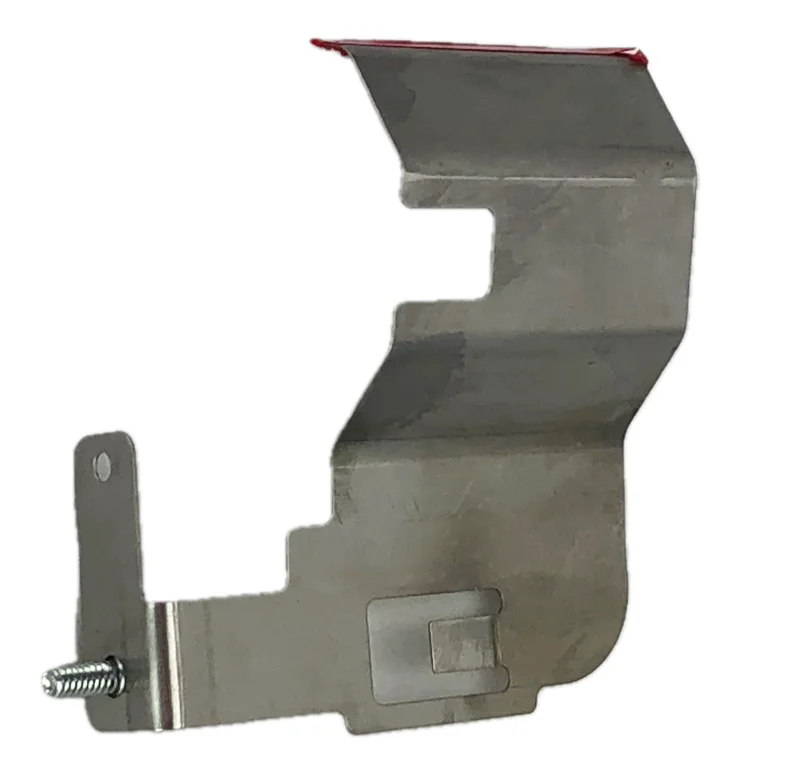
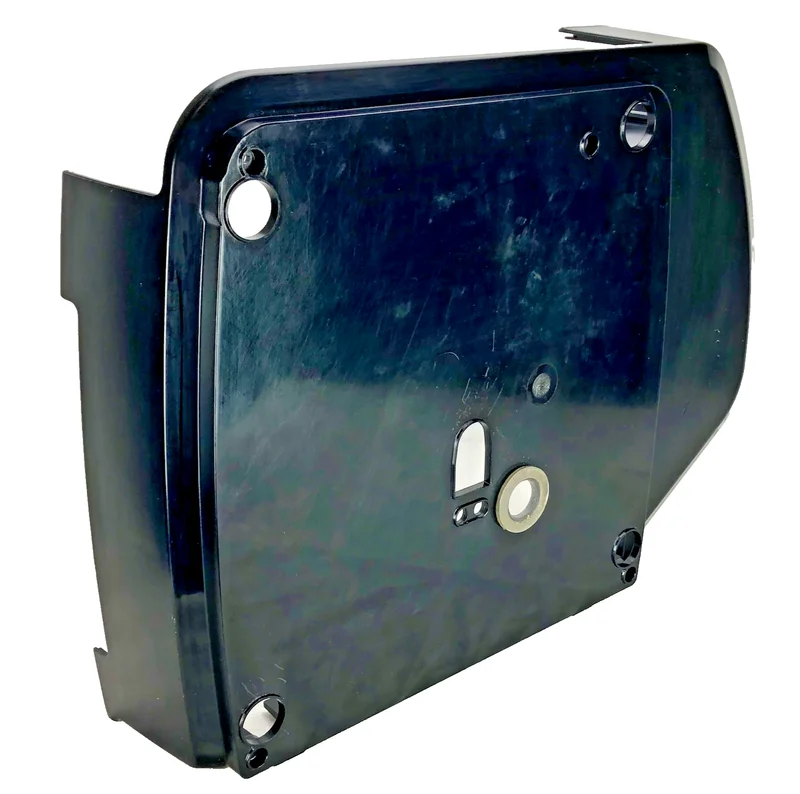
Hob00-444870 power supply baffle and fan shroud — The cooling baffle and fan shroud for the power supply. If the scale overheats or the fan runs constantly, check that this baffle isn't blocked.
Structural Components
00-043302 platter sub-assembly — The platter and support that holds the product being weighed. Fits HTi, HTs, HTx.
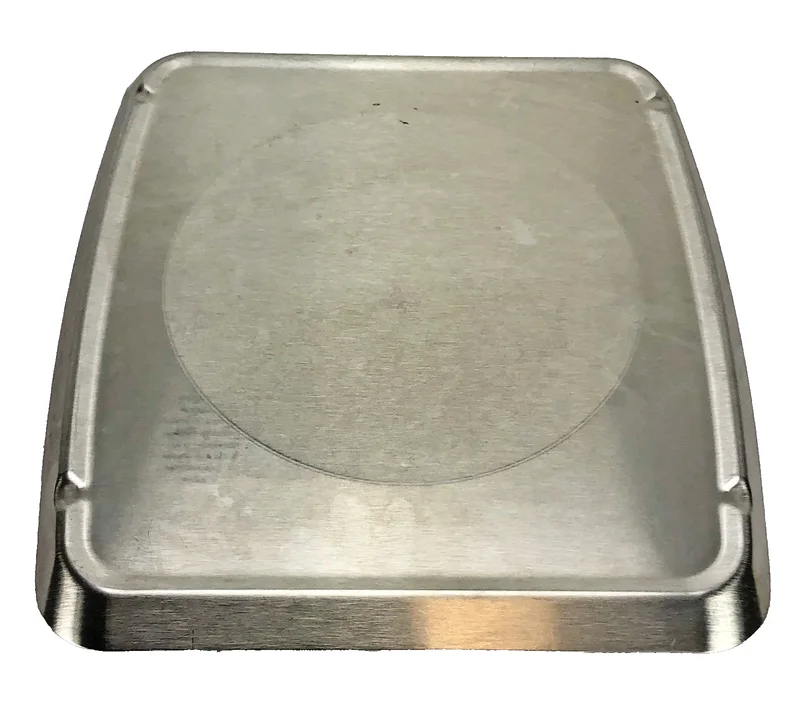
00-447083 stainless steel platter top — Replacement stainless platter for HTi-7LS. 15.5" x 14.5".
HTi-00-447050 main housing — The main exterior housing. Black. For the HTi series.
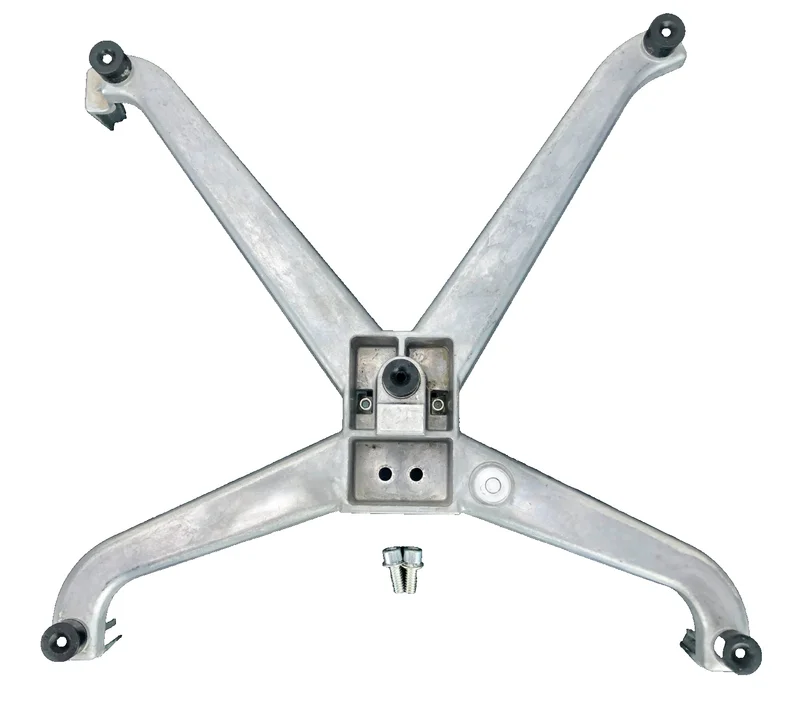
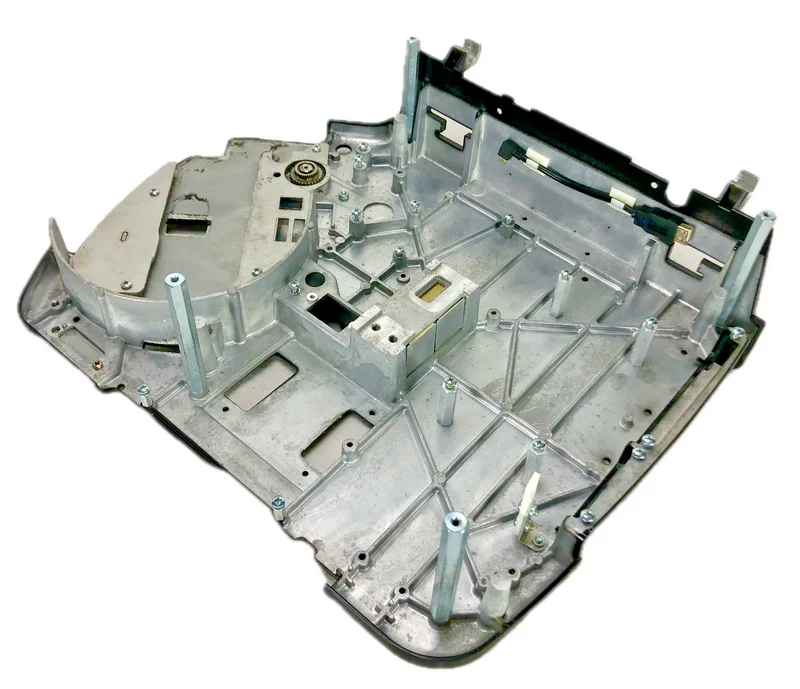
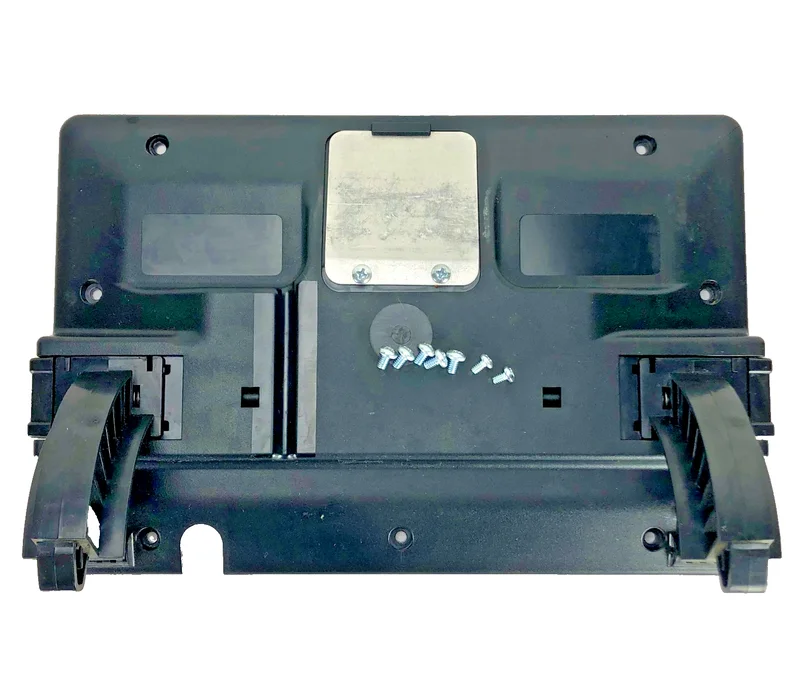
00-444750 main base — The base assembly that everything mounts to. Fits HTi, HTs, HTx, HTiP.
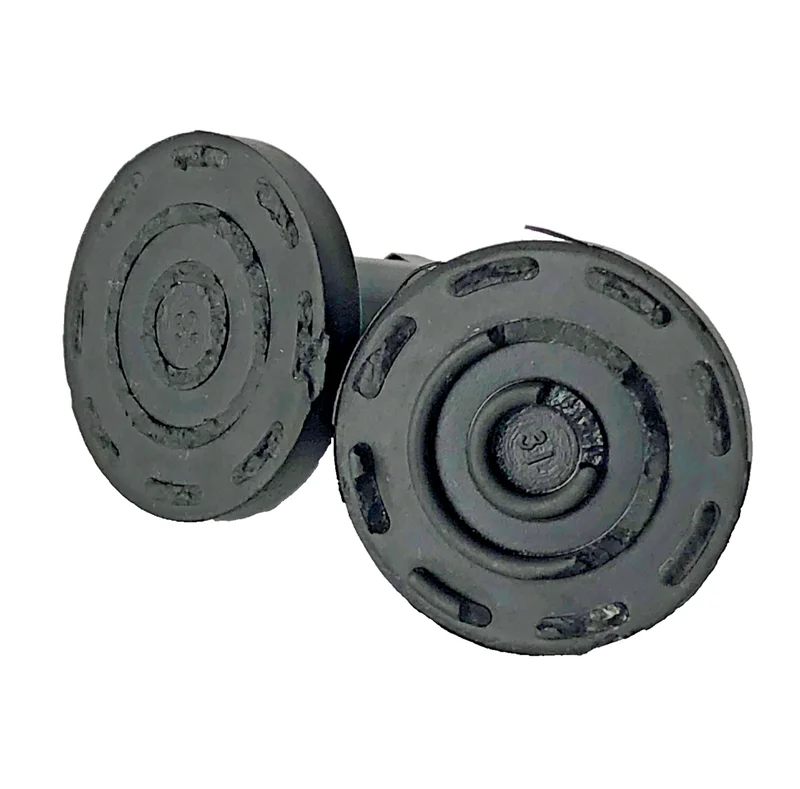
00-447055 leveling feet — Set of 2 leveling feet. Scale must be level for accurate weighing.
WiFi and Connectivity
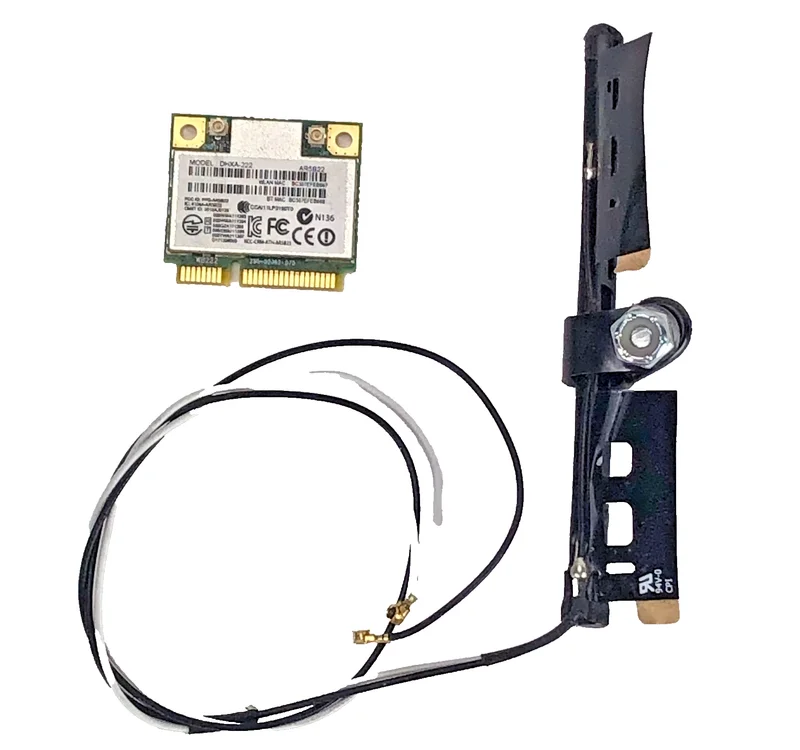
- 00-449711 WiFi module and antenna — WiFi connectivity module with antenna. Enables network connection for PLU updates and remote management.
Diagnostic Chart
| Symptom | Likely Part | Check First |
|---|---|---|
| Scale won't power on, no lights | Power input board (00-448290B) | Check AC outlet, power cable |
| Scale powers on but no display | 10.1" display (00-447157) or display cable (00-448047) | Check cable connection to control board |
| Weight reads consistently wrong | Load cell (00-443075) | Recalibrate first; check for debris under platter |
| Weight drifts or is unstable | Load cell (00-443075) | Check platter isn't touching the base |
| Labels won't advance | Stepper motor (00-440142) | Check for label jam first |
| Prints multiple labels stacked | Label taken sensor (00-043610) | Clean sensor; check for label residue |
| Scale freezes on startup | IMX6 control board (00-448248) | Check power supply output voltage |
| Customer display blank | 7" TFT display (00-447081) | Check display cable connection |
| Overheating, fan runs constantly | Power supply baffle (00-444870) | Check baffle isn't blocked, fan spins freely |
| WiFi won't connect | WiFi module (00-449711) | Check network settings; verify antenna connection |
| Printer cassette won't eject | Cassette ejection spring (00-443735) | Check for binding in the cassette path |
| Labels feed crooked | Label guide spring (00-450463) | Check guide alignment |
Cross-Series Compatibility
| Part | HTi | HTs | HTx | Notes |
|---|---|---|---|---|
| 00-443075 load cell | ✓ | ✓ | ✓ | 15 kg range, all series |
| 00-448290B power input board | ✓ | ✓ | ✓ | FS-100 compatible |
| 00-447780 peripheral board | ✓ | ✓ | — | USB/24V power |
| 00-448248 IMX6 control board | ✓ | — | — | Dual v2.2, HTi only |
| 00-447157 10.1" display | ✓ | — | — | HTi-specific |
| 00-447081 7" customer display | ✓ | ✓ | ✓ | Shared across series |
| 00-043302 platter sub-assembly | ✓ | ✓ | ✓ | All series |
| 00-444750 main base | ✓ | ✓ | ✓ | All series including HTiP |
| 00-444875 printer cassette | ✓ (7LH/10LH/ELH) | — | — | Printer models only |
| 00-449711 WiFi module | ✓ | ✓ | ✓ | All series |
| 00-450463 label guide spring | ✓ (7LH/10LH) | — | — | Linerless label models |
Maintenance Tips
- Keep the label taken sensor clean. Label adhesive residue builds up and blocks the sensor path. Isopropyl alcohol on a cotton swab.
- Check leveling feet regularly. Scales shift on countertops. An unlevel scale gives wrong weights.
- Don't stack anything on the platter when the scale is off. The load cell stays under stress and drifts.
- Replace the fan shroud baffle if it's cracked. Overheating kills the IMX6 board.
- Update firmware via USB when Hobart releases patches. Outdated firmware causes connectivity issues.